
The problem that starts every project
Most folks come to RFID because counts are wrong, shipments vanish, or scanners read junk and leave you guessin’. If you’re buying uhf rfid tags to fix that, you gotta stop treating tags like one-size-fits-all stickers. Wrong frequency, wrong form factor, or a tag that hates metal will leave you payin’ for another round of troubleshooting. This guide walks through the real troubles and how to pick tags that behave.
What UHF actually does (short and plain)
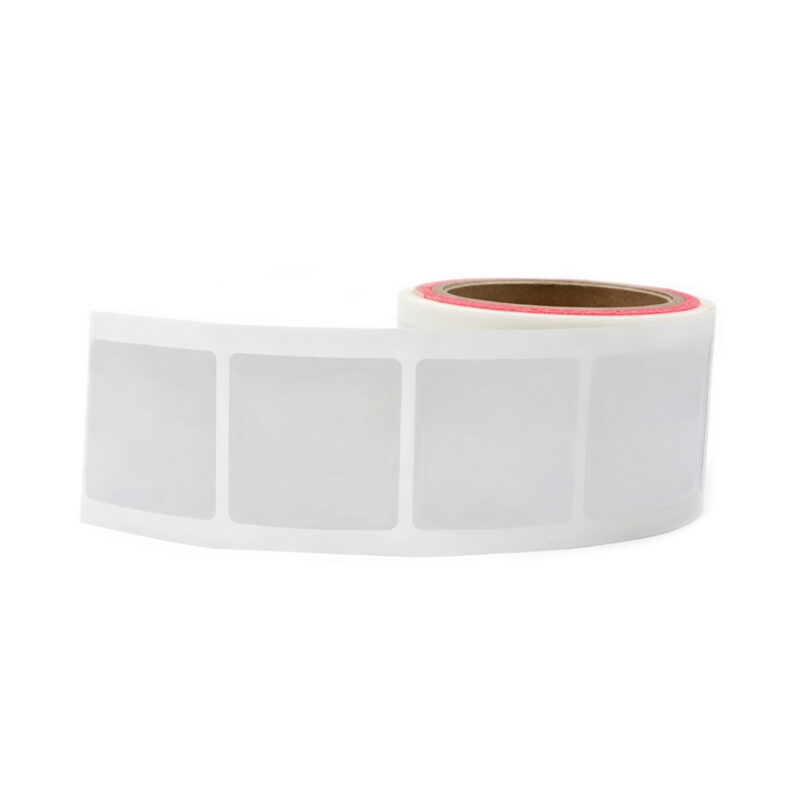
UHF systems talk at longer ranges than HF or LF. That long reach helps when you need pallet- or yard-level reads. But longer range means more sensitivity to orientation and interference. Expect tens of centimeters to several meters, depending on reader power, antenna, and tag design. Don’t expect miracles — get specifics for your scenario.
Concrete specs to check before you buy
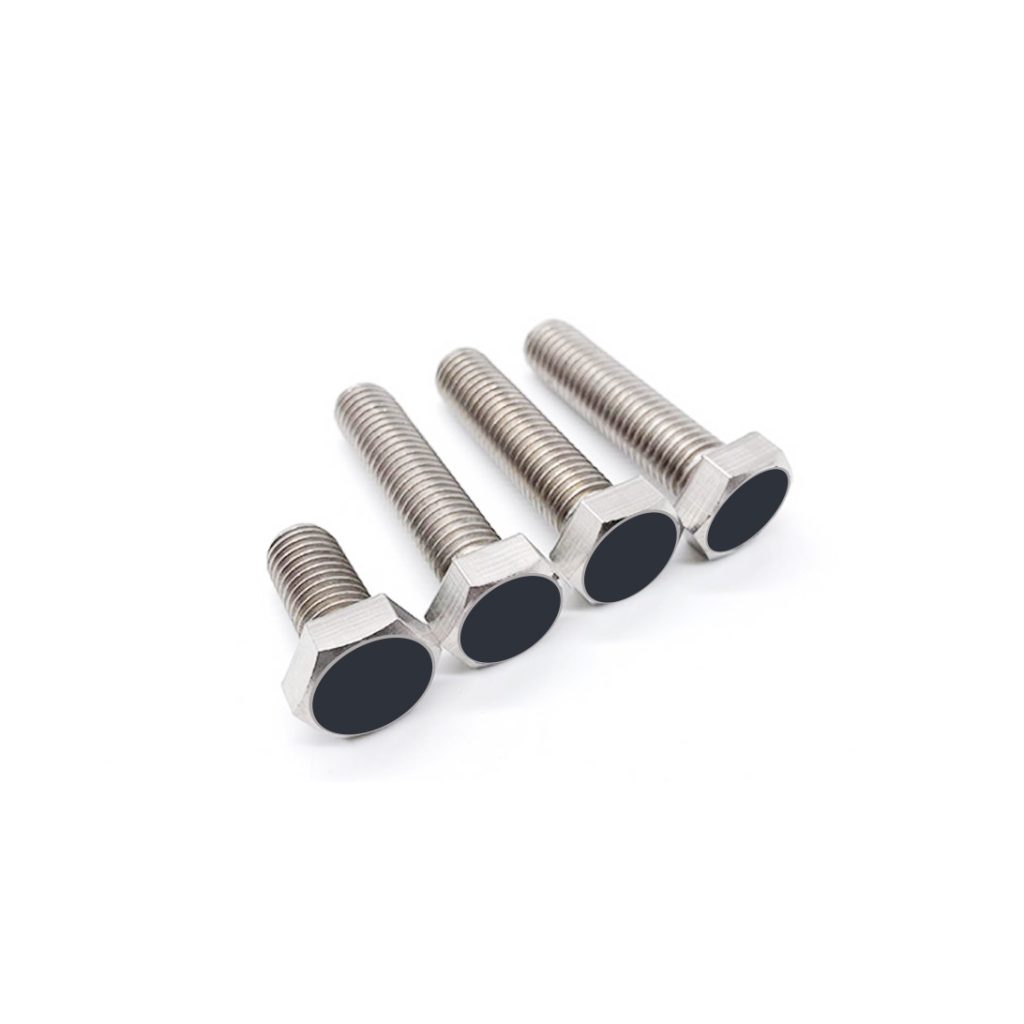
Look at read range, memory size, chip family (EPC Gen2/ISO18000-63), antenna design, and whether the tag’s substrate is for plastic, cardboard, or metal. If you need on-metal performance, pick a tag explicitly labeled for it. Check operating temperature, IP rating for outdoor use, and attachment method (adhesive, rivet, cable tie). Match the spec sheet to the real-world mounting location, not the pretty demo video.
Match the tag to the use-case — practical pairings
Pallet tracking: rugged long-read UHF hang tags or large antenna tags. Apparel: soft, small tags that read on fabric without detuning. Asset tracking on metal gear: on-metal or foam-backed tags. High-volume retail point-of-sale: thin UHF wet-inlay tags that work through packaging. Yard or gate control: vehicle-mounted antennas plus robust outdoor tags. Pick the tag to fit how it’s attached and the environment — don’t pick based on price alone.
Common mistakes that waste time and money
Buying the cheapest tag and assuming it’ll work everywhere. Ordering a “general purpose” UHF label for metal gear. Ignoring orientation effects during reader placement. Skipping a simple pilot test. Not accounting for nearby RF noise (other readers, Wi‑Fi, or machinery). And most costly: not validating the full read path from tag to backend — tags that read in isolation but fail in the complete system are a regular headache.
Testing, deployment tips, and real-world backing
Test early with the exact reader and antenna you’ll use. Run trials across the worst-case mounting positions and weather conditions. I’ve set readers in distribution centers and sat through failed pilots that a few real tests would’ve caught; big retailers like Walmart pushed large-scale UHF rollouts that proved testing at scale matters. For lab-to-field parity, start with the tags you plan to buy and a representative setup, then expand. If you need reference parts during trials, consider sourcing uhf passive rfid tags for consistent baseline reads.
Vendor selection and what to ask for
Ask for sample tags, their antenna patterns or gain numbers, and real-world case studies similar to your project. Verify warranty, lead times, regulatory compliance (FCC/CE), and whether the vendor supports testing at your site. Favor vendors who’ll stand behind a pilot phase with replacement tags or config tweaks — that saves more than bargain-basement pricing.
Final take — fix the problem, don’t chase gear
Start with the problem: where are reads failing, which surfaces cause trouble, and what range you actually need. Match tag type to those answers, test with your hardware, and iterate fast. When you pick partners, choose those who show real test data and will help validate deployment — that’s the practical value provided by RSTC.
