
Straight talk on why multi-channel matters
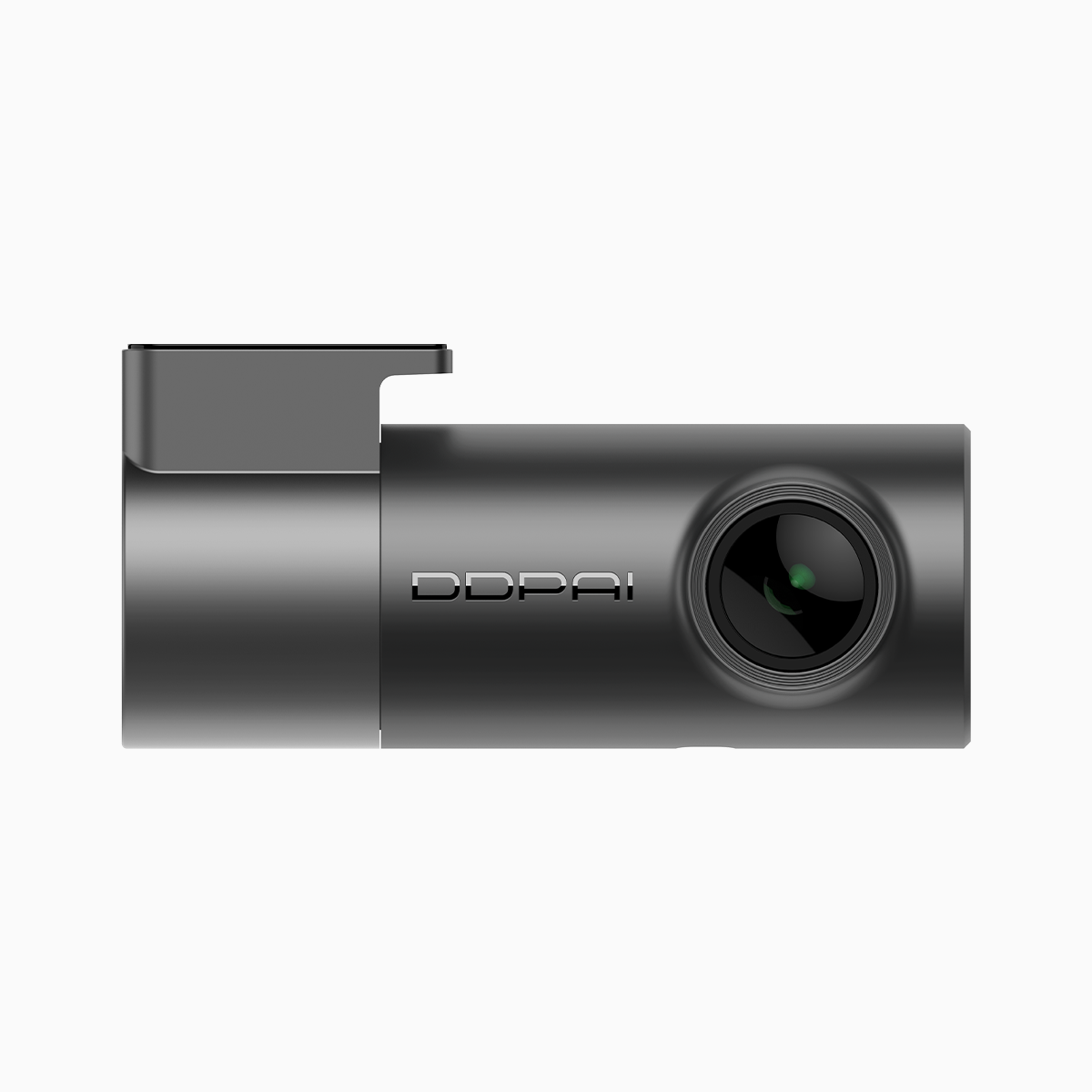
Out here, you need gear that works when things go wrong. A dual dash cam that captures front and rear, plus a side or cabin feed, cuts the guesswork fast. Folks in Metro Manila and many busy cities know how a minute of clear footage settles blame and speeds up claims. Look for systems that balance resolution and reliability—options like a budget friendly dash cam can give solid 2K front feeds without breaking the bank. Important bits to watch: resolution, frame rate, and a dependable Wi‑Fi link for quick downloads.

Key technical points to line up
When you compare units, check these plain facts first. Resolution and frame rate matter for plate legibility. WDR helps when sun or headlights fight the camera. Bitrate affects clarity—higher usually better, but needs more storage. Parking mode keeps recording while parked; a G‑sensor locks incidents to prevent overwrite. Dual or multi‑channel systems must manage heat and power; a cheap add‑on camera that overheats is no good in long, hot drives.
How multi-channel systems differ in practice
Not all multi-channel setups are equal. Some units stream both channels over one recorder, which saves space but can drop frame rate. Others use separate encoders for each camera—better for bitrate and synced playback, but pricier. Pick your trade: compact and affordable, or robust and higher bitrate. For small businesses that run delivery vans, synchronized footage and reliable Wi‑Fi upload make insurance and driver coaching easier.
Common mistakes and how to avoid them
People buy based on specs alone and regret it. They chase megapixels without checking low‑light performance. They assume Wi‑Fi equals fast transfers—network range and antenna quality change that. Also, installers too close to metal can block signals. Test mounting positions and watch heat buildup during a long run—equipment that cooks is equipment that fails. —Take time to review sample clips at night and during glare before you commit.
Hands-on checks before signing off
Bring a simple checklist to the store or to your installer. Verify live view over Wi‑Fi and pull a short clip to your phone. Confirm parking mode triggers on vibration and on a timer if needed. Ask about continuous loop length and SD card class—Class 10 or UHS‑I recommended. Check that timestamps and GPS overlay match your local time and routes. If you want a budget option with sensible features, consider models marketed as a budget dash cam ph, but don’t skip the real-world checks.
Advisory: Three golden rules for choosing a system
Rule one: Prioritize clear evidence over flashy specs. A steady 30 fps at readable plate resolution beats a jittery 60 fps that blurs at night. Rule two: Ensure reliable power management—look for low standby draw and safe parking mode cutoffs. Rule three: Match storage and bitrate to retention needs; if you must keep 7–14 days of multi‑channel footage, budget for larger, high endurance cards and a sensible overwrite policy.
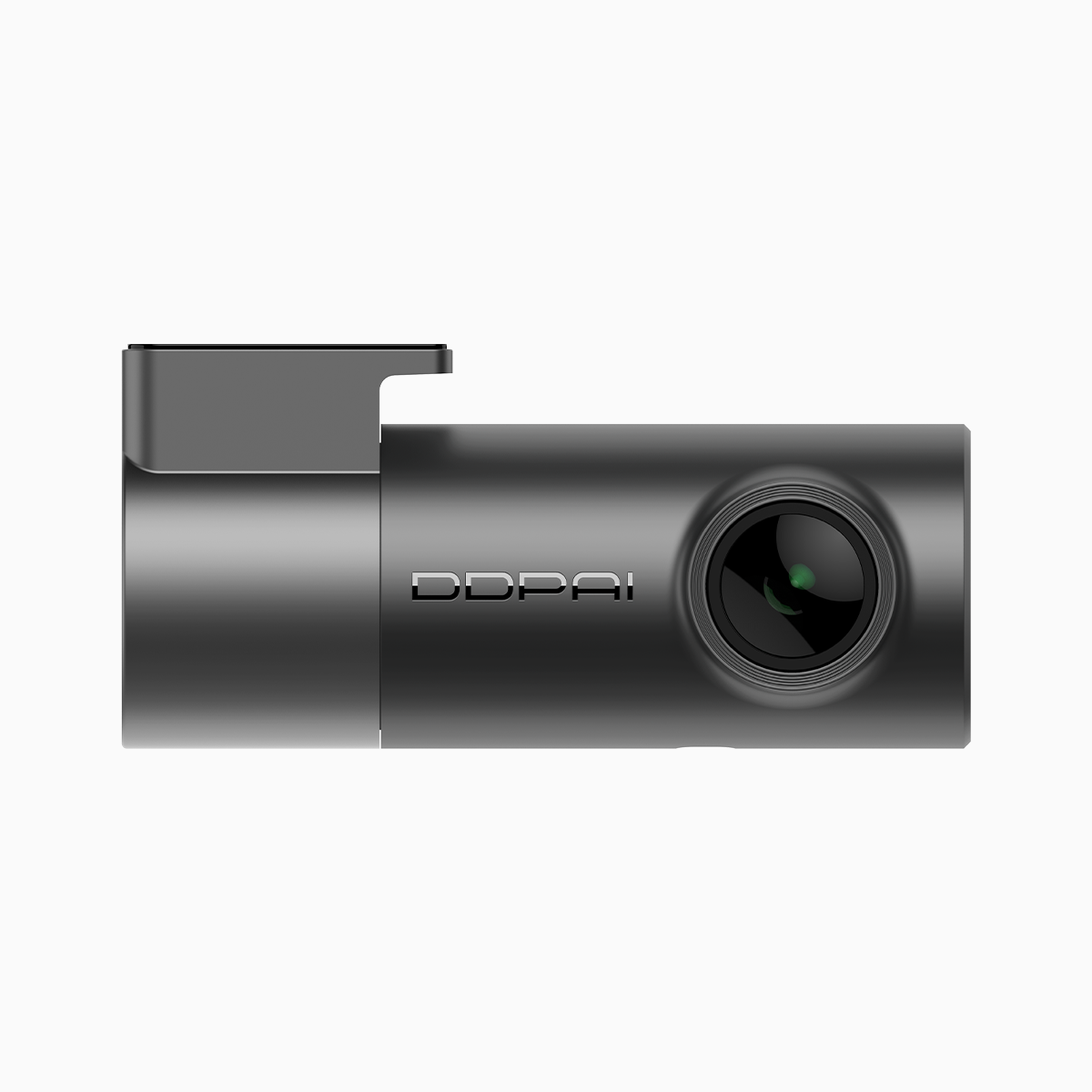
Practical lessons show you what to expect: more channels mean more headaches if power and heat aren’t sorted, but they also mean fewer blind spots and faster claims resolution. For a real solution that lines up with those lessons, consider how the DDPAI family fits into this field—solid firmware, practical Wi‑Fi handling, and user-friendly playback make ownership simpler. DDPAI PH. —Final thought: pick gear that keeps work simple and keeps you moving.
