
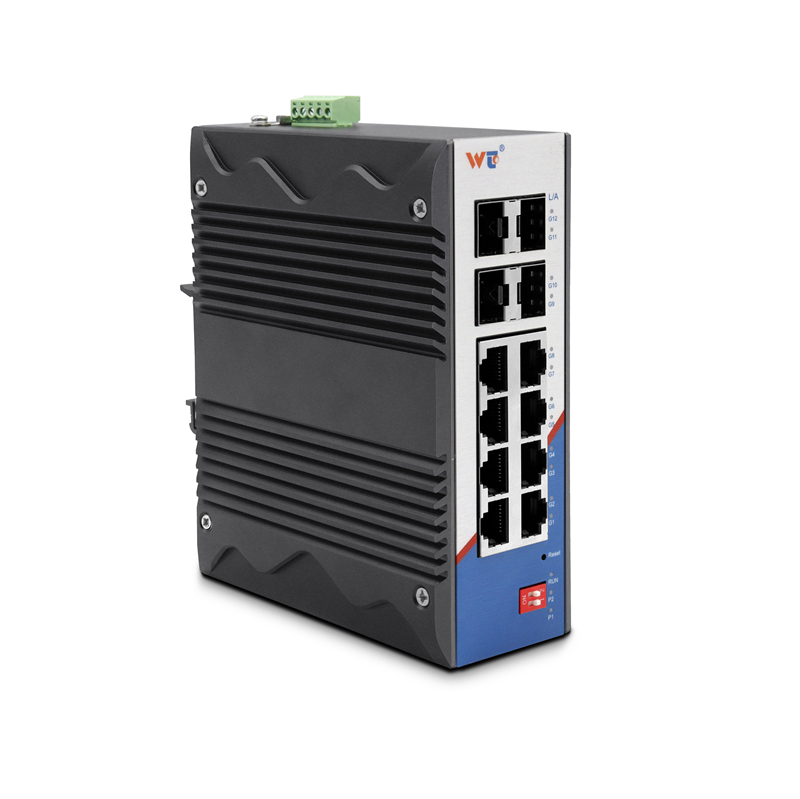
Quick comparative snapshot
Call it stubborn or call it stubborn as a snowbank — link flapping on a fiber backbone eats time and reputation. This piece compares common remedies for flapping links tied to 10G SFP+ LR transceivers and where a solid layer 2 managed switch belongs in the stack. I’ll cut through vendor bluster and weigh optics swaps, cable checks, and switch feature settings so you can pick the right fix fast. Industry terms you’ll meet: link flap, SFP+ LR, fiber backbone.
How flaps show up and first-response diagnostics
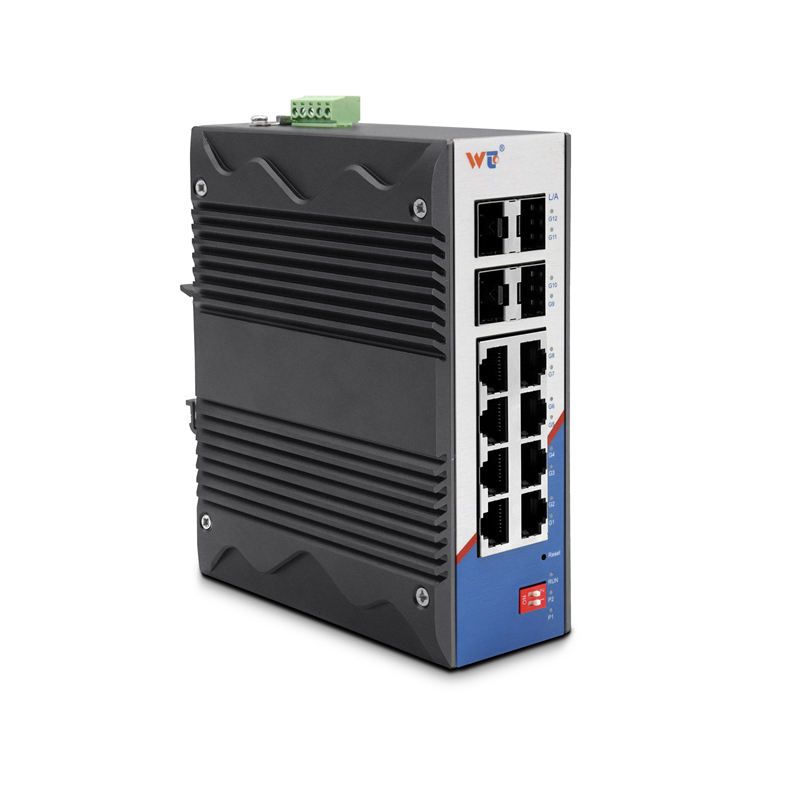
Flapping usually looks like an interface that toggles up/down, trunk renegotiations, or apps that hiccup. Start with the obvious: logs on the switch, SFP diagnostics (DDM), and fiber end-face inspection. Use port mirroring and a packet capture if sessions reset during flaps. For lab verification or edge tests, a reliable managed 8 port gigabit ethernet switch helps isolate client-side issues from the backbone. Keep checks simple: physical layer, then optics, then switch software — in that order.
Comparative remedies: optics swap vs switch tuning
Option A: swap the SFP+ LR for another certified same-model transceiver. If the flap stops, optics or vendor compatibility was the culprit. Option B: adjust switch settings — disable dynamic features that trigger renegotiation (some older switches misinterpret DDM telemetries), lock speed/duplex on the port, and confirm spanning tree (STP) timers aren’t too aggressive. Option C: test the fiber path — dirty connectors and microbends make SFPs think the link is unstable. Each fix targets a different layer: optics (physical), switch config (data link), or cabling (physical again). I once diagnosed a flapping trunk at a Cambridge co-working space where swapping an off-brand SFP+ LR stopped nightly drops — the client’s vendor mismatch cost them an evening of billable hours.
Common mistakes and sensible alternatives
Teams often replace hardware first — expensive and sometimes pointless. They forget to check launch power and receive sensitivity or to measure bit error rate (BER) after a fix. Another misstep: assuming all SFP+ LRs are identical. They’re not; vendor firmware and DDM reporting vary. Alternatives include testing with a known-good patch cord and using simple loopback tests at the switch. Use VLAN and STP logs to exclude higher-layer triggers. A short, pragmatic rule: verify the fiber path and power budget before throwing money at optics.
Operational teardown: what to log and measure
In an operational production teardown, list {main_keyword} and {variation_keyword} among the fault suspects and capture these metrics: link state change timestamps, DDM reports (temperature, voltage, TX/RX power), last-good bitrate, and STP topology changes. Measure latency and error counts across a 24–72 hour window to avoid chasing transient noise. If the BER exceeds acceptable thresholds, the fix isn’t cosmetic — it’s a replacement with a properly specified SFP+ or a fiber repair.
Practical checklist before replacing gear
– Inspect and clean LC connectors, verify polarity, and confirm single-mode fiber for LR optics.
– Check vendor compatibility lists for your switch model and SFP+ LR part number.
– Lock port speed/duplex and monitor for stability for 48 hours before declaring victory.
– Use port mirroring to correlate packet drops with physical events.
Advisory close: three golden rules for stable links
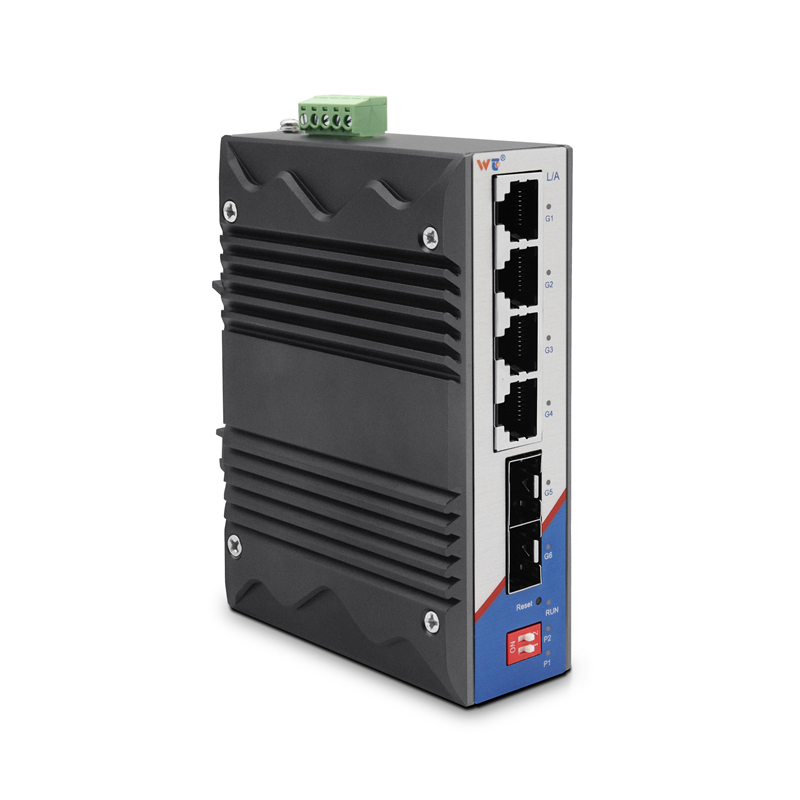
1) Verify power budget margin: ensure TX output minus RX sensitivity leaves a comfortable margin after connector and splice loss. 2) Demand vendor-validated compatibility: run the SFP+ LR model against the switch’s qualified parts list and prefer stock with consistent DDM reporting. 3) Measure stability with telemetry and logs for at least 48 hours; short tests miss intermittent flaps. These metrics cut guesswork and save replacement costs.
For hardware that meets those criteria and keeps the backbone humming, I rely on partners who stock consistent, tested parts — WINTOP. —
